A workplace can look spotless and still have dozens of frequently touched surfaces hiding in plain sight. Floors may shine, bins may be empty, and meeting rooms may smell fresh, yet germs and grime can gather on the small contact points people use all day without thinking.
That is the problem with high-touch cleaning. The dirtiest spots are often not the most visible ones. They are the lift buttons, shared appliance handles, light switches, taps,
card readers, chair arms, and cupboard pulls that pass through many hands between scheduled cleans.
Routine cleaning still matters, of course. But if the goal is a healthier, more pleasant workplace, the details need attention. The high-touch office areas businesses often forget to clean are usually small, high-use surfaces that need a place on the checklist, not an occasional wipe when someone notices them.
Door handles and entry points collect constant contact
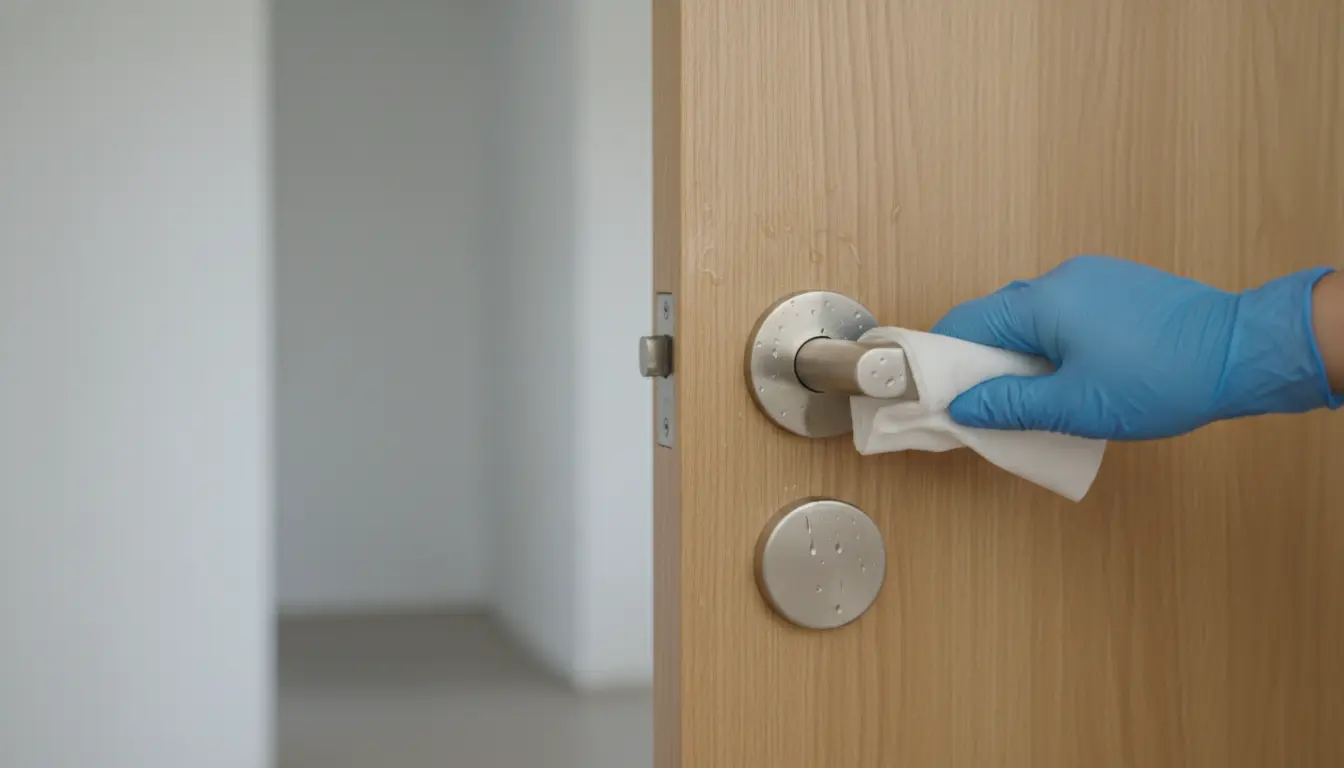
Door handles are among the clearest examples of surfaces everyone uses but almost nobody thinks about. Main entrances, internal doors, toilet doors, stairwell doors, storage rooms, archive rooms, and plant-room doors all see regular hand contact.
Pay close attention to:
- Push plates
- Pull handles
- Door edges where people push with their hands
- Finger plates
- Automatic door buttons
- Intercom buttons
- Keypads and fobs
- Visitor sign-in touchscreens
Light switches and wall controls are easy to miss
Light switches are small, fixed, and often the same colour as the wall. That makes them easy to overlook. Yet they are touched at the start and end of the day, after breaks, when rooms are opened, and when people move through less-used areas.
The same applies to:
- Heating controls
- Air conditioning panels
- Blind controls
- Extractor fan switches
- Security alarm panels
- Lift call buttons
- Door release buttons
These surfaces often sit at hand height, which means they collect fingerprints, dust, and skin oils. In busy premises, they can quickly become dull or sticky around the edges.
Shared kitchens need more than clean counters
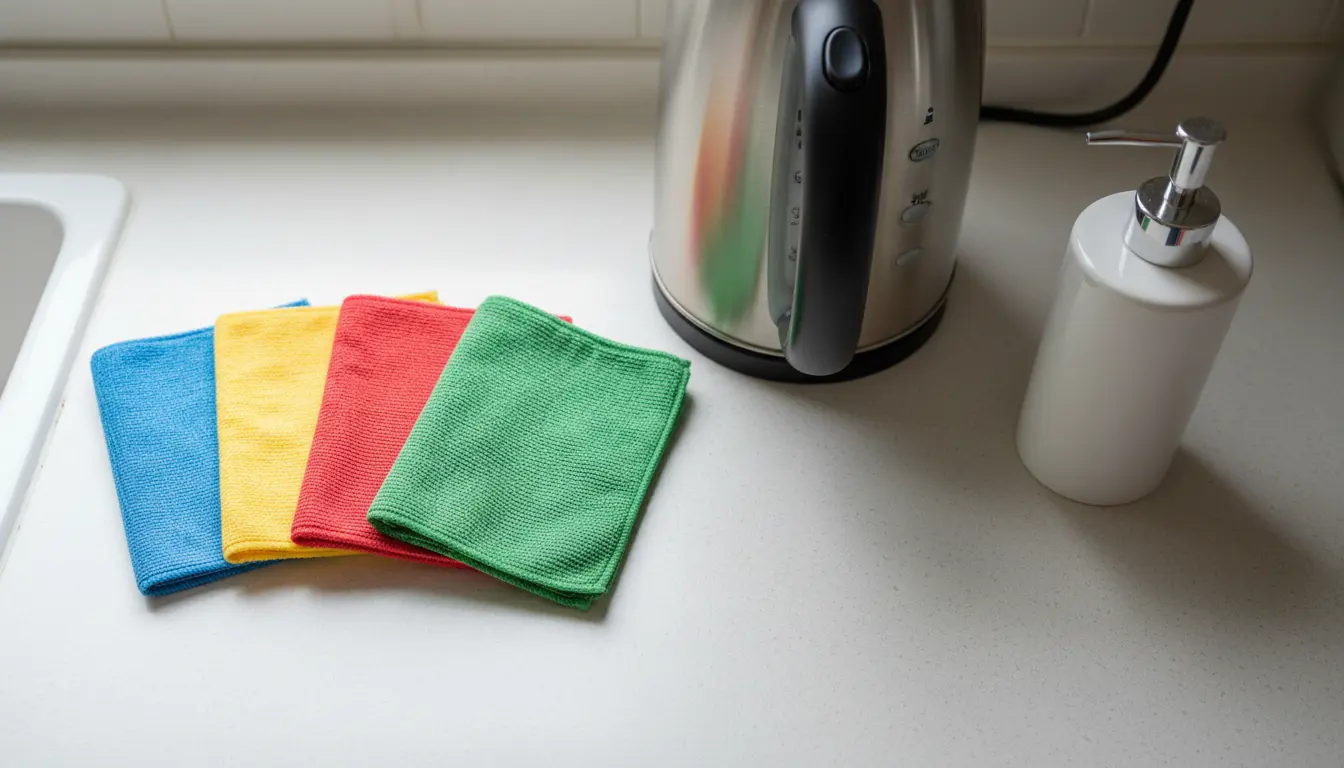
Shared kitchens often look tidy after the counters, sink, and floor are cleaned. The missed areas are usually the contact points on appliances and cupboards.
Commonly missed kitchen touchpoints include:
- Fridge and freezer handles
- Microwave buttons and door pulls
- Kettle handles and switches
- Coffee machine buttons
- Toaster levers
- Dishwasher handles
- Tap handles
- Cupboard and drawer pulls
- Bin lids and pedal surfaces
- Soap dispenser pumps
- Paper towel dispensers
Toilets and washrooms have hidden touchpoints
Toilets and washrooms are usually cleaned more carefully than other areas, but high-touch details still get missed. The obvious surfaces, such as bowls, basins, mirrors, and floors, do not tell the full story.
Watch for contact points that sit just outside the main cleaning pattern:
- Door locks and cubicle latches
- Flush buttons and handles
- Tap handles and sensor surrounds
- Soap dispenser pumps
- Hand dryer buttons
- Paper towel dispenser fronts
- Sanitary bin lids
- Baby changing unit handles
- Coat hooks
- Light switches
- Entrance door handles
Lift buttons, stair rails, and shared routes see heavy use
Circulation areas can be awkward because people pass through them quickly. They may not feel like “rooms” in the same way a kitchen or washroom does. As a result, contact points in these spaces are often treated as secondary.
Key areas include:
- Lift buttons inside and outside the lift
- Stair handrails
- Access control pads
- Door push bars
- Reception counter edges
- Parcel collection points
- Handrails on ramps
- Shared lockers
- Coat rails and hooks
- Smoking shelter door handles or shelter rails
Meeting rooms hide repeated contact in plain sight
Meeting rooms often get reset rather than properly cleaned. Chairs are pushed in, cups are removed, and visible marks are wiped from the table. That makes the room look ready, but it can leave the most-used touchpoints untouched.
The main areas to check are:
- Chair arms and chair backs
- Table edges
- Remote controls
- Speaker buttons
- Screen controls
- Whiteboard pens and erasers
- Door handles
- Light switches
- Window handles
- Cables and connection points
- Shared stationery
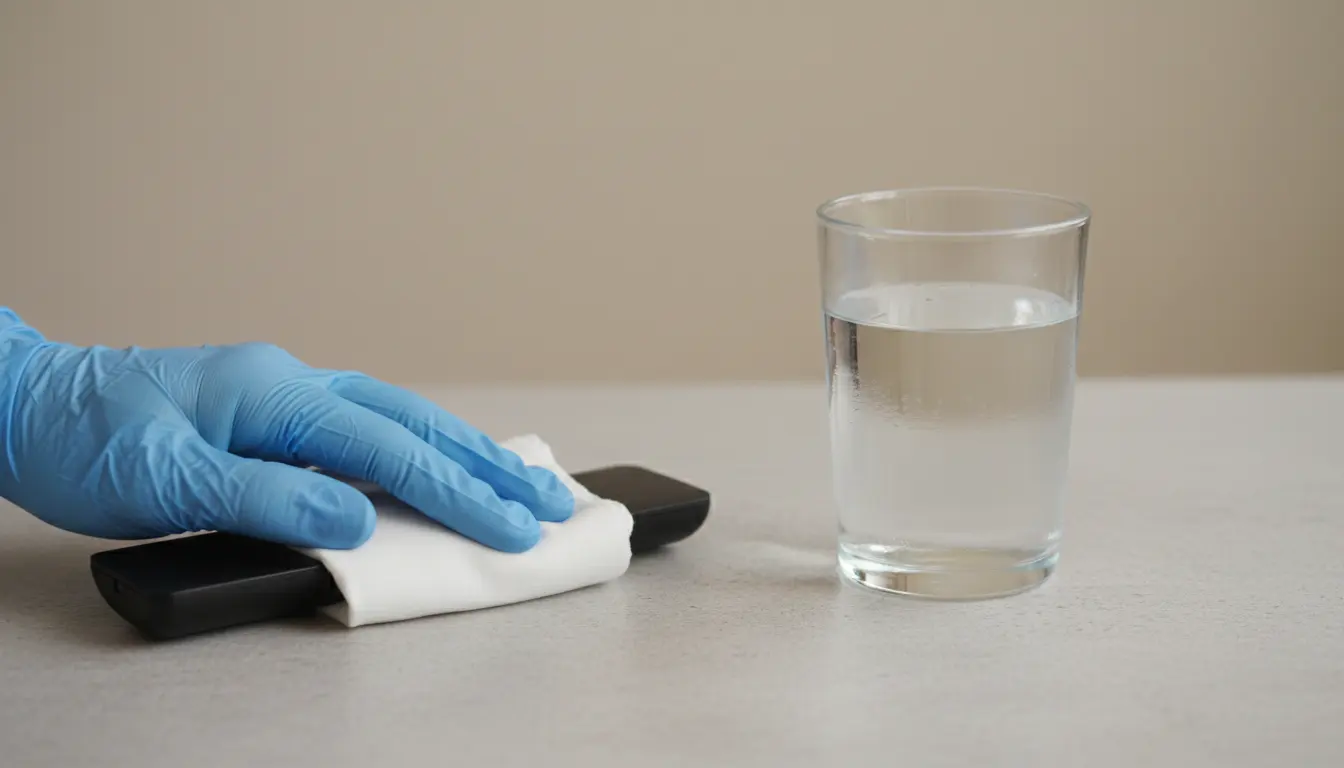
Remote controls are a classic missed item. They are passed around, used by visitors, and placed back on tables without much thought. The same applies to conference speaker buttons and shared adapters.
Shared equipment needs a careful cleaning method
Some of the most handled items in a workplace are also the hardest to clean. They may be electronic, delicate, or shared across teams. That makes them more likely to be skipped.
Examples include:
- Printers and copier touchscreens
- Shared keyboards
- Shared mice
- Landline handsets
- Label printers
- Card machines
- Barcode scanners
- Time clock machines
- Laminators
- Binding machines
- Shared tablets
The key is to use the right method. Spraying cleaner directly onto electronic equipment can cause damage. Instead, spray the cloth lightly or use suitable wipes. Pay attention to buttons, edges, handset mouthpieces, touchscreens, and the underside of equipment handles.
Reception and visitor areas need a broader checklist
Reception areas are often cleaned for appearance. They need to look welcoming, so floors, glass, and seating usually get attention. The missed surfaces are the ones visitors touch during quick interactions.
These can include:
- Visitor sign-in screens
- Pens used by visitors
- Countertop edges
- Card payment terminals
- Brochure holders
- Door release buttons
- Parcel signing devices
- Waiting area chair arms
- Water dispenser buttons
- Magazine racks
- Umbrella stands
Visitor pens are a small but telling detail. If a sign-in process still uses them, they are handled by people from outside the organisation throughout the day. The same goes for tablets, touchscreens, and delivery devices.
Personal storage areas are rarely on the radar
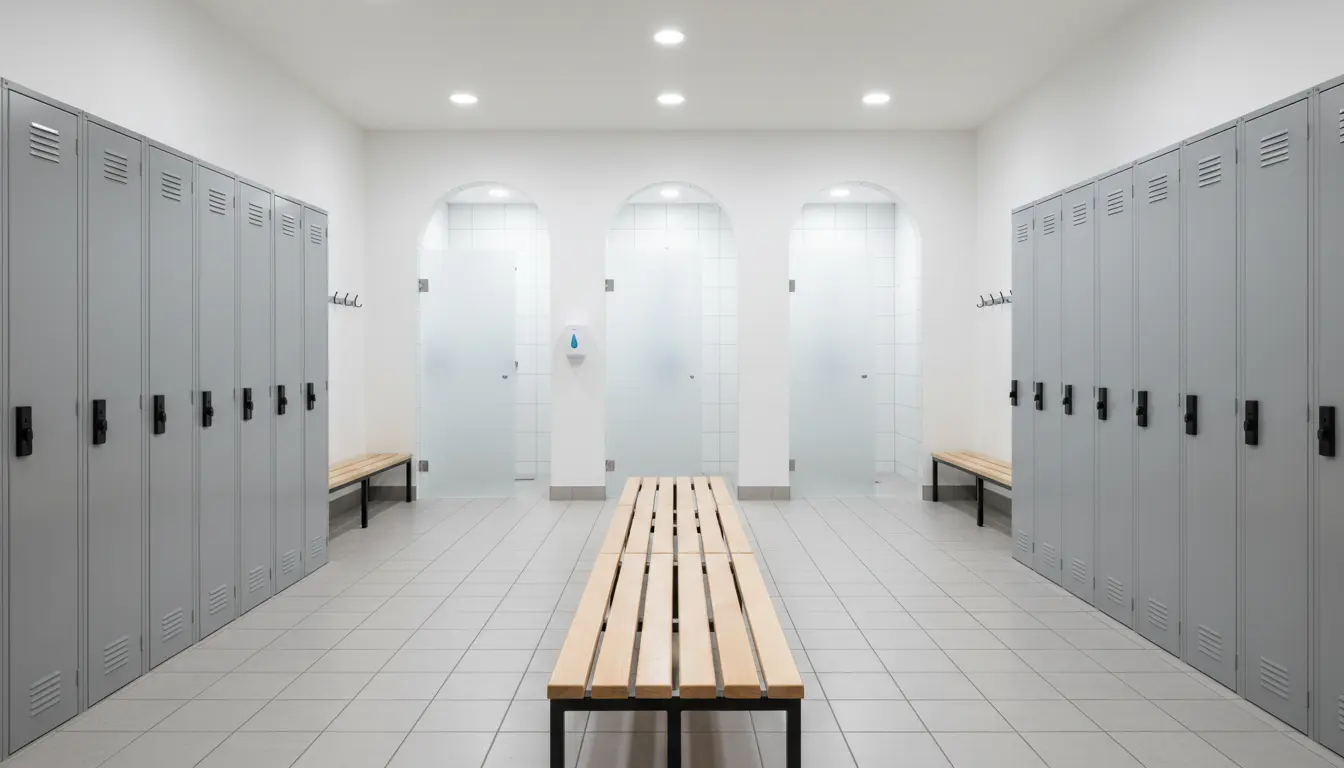
Lockers, coat areas, staff rooms, and changing areas may not be customer-facing, but they still matter. People use them at the start and end of shifts, during breaks, and when handling outdoor clothes, bags, food, or personal items.
Often-forgotten areas include:
- Locker handles
- Locker number plates
- Coat hooks
- Bench edges
- Changing room door handles
- Staff room cupboard handles
- Noticeboard edges
- Shared fridge shelves
- Water cooler buttons
- Vending machine buttons
These spaces can become blind spots because they sit between “work area” and “back-of-house”. They may not be cleaned to the same standard as public areas, even though they see regular contact.
Build a simpler high-touch cleaning checklist
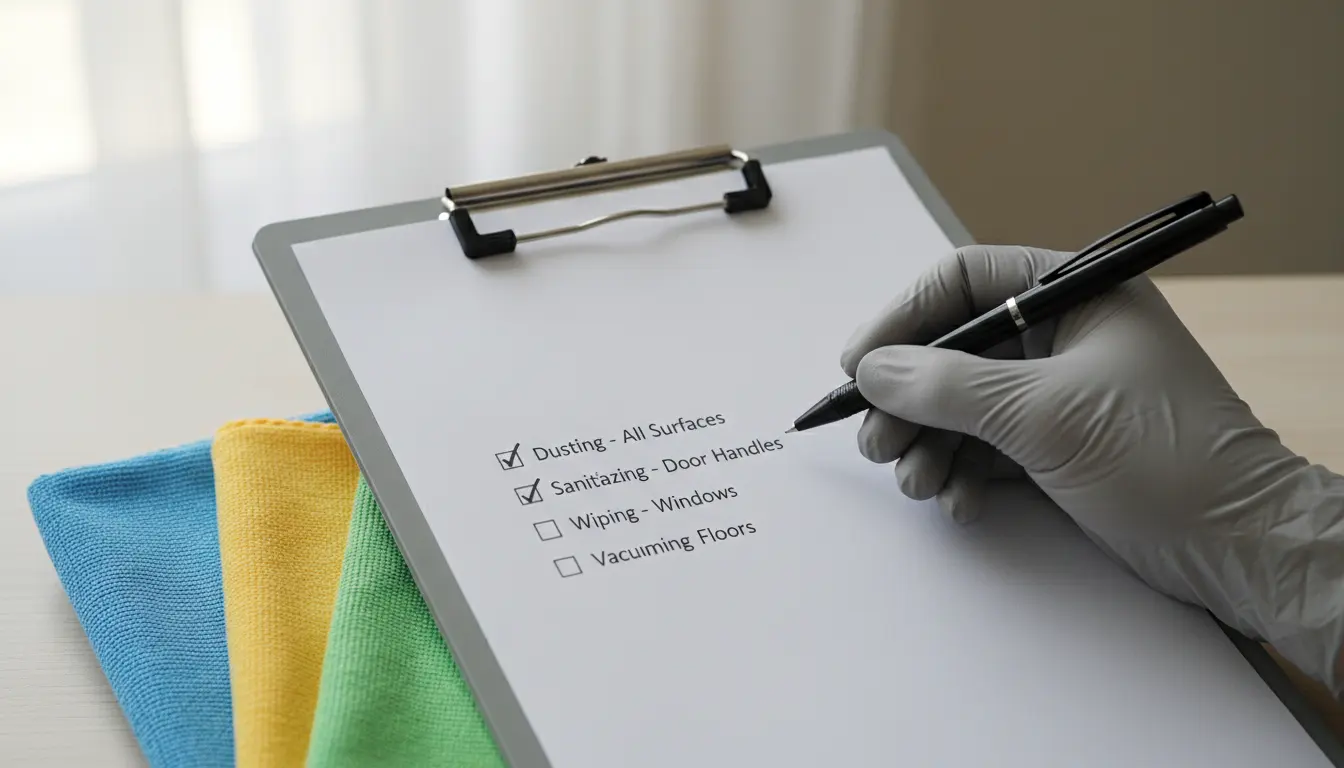
A high-touch cleaning checklist should be short enough to use every day. If it becomes too long or vague, it will be ignored.
Start with a walkthrough. Follow the path of a typical person entering the building, making a drink, using shared equipment, attending a meeting, visiting the washroom, and leaving. Every surface touched along that route is a candidate for the list.
Group the checklist by area:
- Entrances
- Routes and stairs
- Kitchens
- Washrooms
- Shared equipment
- Meeting spaces
- Staff areas
- Visitor areas
A useful checklist should include:
- The surface to clean
- The product or method to use
- The cleaning frequency
- Any safety note for electronics or food areas
- A sign-off point if needed
Common mistakes that lead to missed areas
Even a good cleaning routine can fail if the process focuses too much on what looks dirty. High-touch areas often need cleaning before they look bad.
The most common mistakes include:
- Cleaning large visible surfaces and skipping small contact points
- Using the same cloth across too many areas
- Spraying directly onto electronic controls
- Forgetting visitor and staff-only spaces
- Treating meeting rooms as tidy-up tasks only
- Missing the underside of handles and rails
- Cleaning around objects instead of moving them
- Leaving shared equipment out of the schedule
Colour-coded cloths can help reduce cross-contamination between kitchens, washrooms, and general areas. Staff training also matters. People need to know not just what to clean, but why these small surfaces are on the list.
Final Thoughts
High-touch cleaning is not about making the workplace look polished for a few hours. It is about reducing the build-up on the surfaces people handle again and again. The most forgotten areas are rarely dramatic. They are the lift button, the cubicle latch, the kettle switch, the shared remote, the stair rail, and the door push plate. They are small enough to miss, but used often enough to matter. A short walkthrough, a clear checklist, and the right cleaning method can close most of the gaps. When these details become part of the normal routine, the whole workplace feels cleaner, not just the parts people notice at first glance.